
After a Call
Commit's post-call briefing, MEDDPICC qualification, and generated follow-up email
When you stop recording, Commit generates a full post-call briefing: what was covered, how the deal is qualified, and a draft follow-up email. Nothing goes out automatically.
Ending the call
Click the Stop button in the top bar. Commit will ask you to rate the call.
The rating is optional. It's a quick thumbs-up / thumbs-down that helps tune the model. If you're in a hurry, click Maybe later to skip straight to the post-call screen.
The post-call screen
After you stop, Commit opens the post-call view with a tab bar for each section of the briefing.
Summary
A structured recap of the call:
- What the prospect said: their environment, current tools, pain points
- What you covered: the parts of your pitch that landed
- Open questions: anything the prospect asked that you couldn't answer in the moment
This is what you'd normally write up yourself after the call. Commit writes it for you from the transcript.
Timeline
A play-by-play of how the call unfolded. Useful for jumping back to a specific moment or sharing highlights with your team.
Qualification (MEDDPICC)
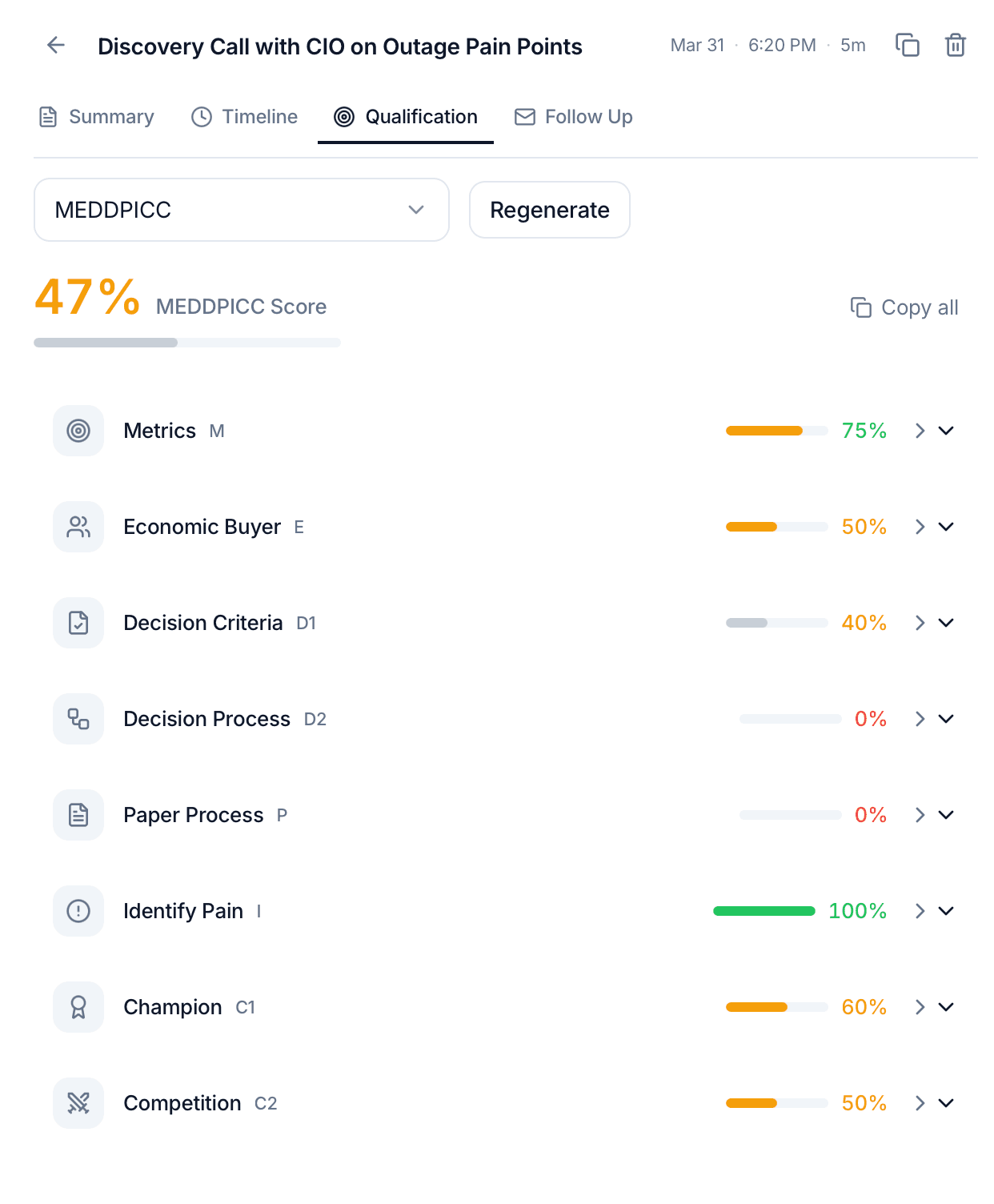
Commit maps the conversation to the MEDDPICC framework so you can see at a glance how qualified the deal is:
- Metrics: the economic impact the prospect is trying to drive
- Economic buyer: who signs
- Decision criteria: how they'll pick a vendor
- Decision process: steps to signature
- Paper process: procurement, legal, security review
- Identify pain: what's actually broken
- Champion: who's fighting for you internally
- Competition: who else is in the deal
Each slot is filled from what the prospect actually said. Gaps are your next-call agenda.
Follow-up email
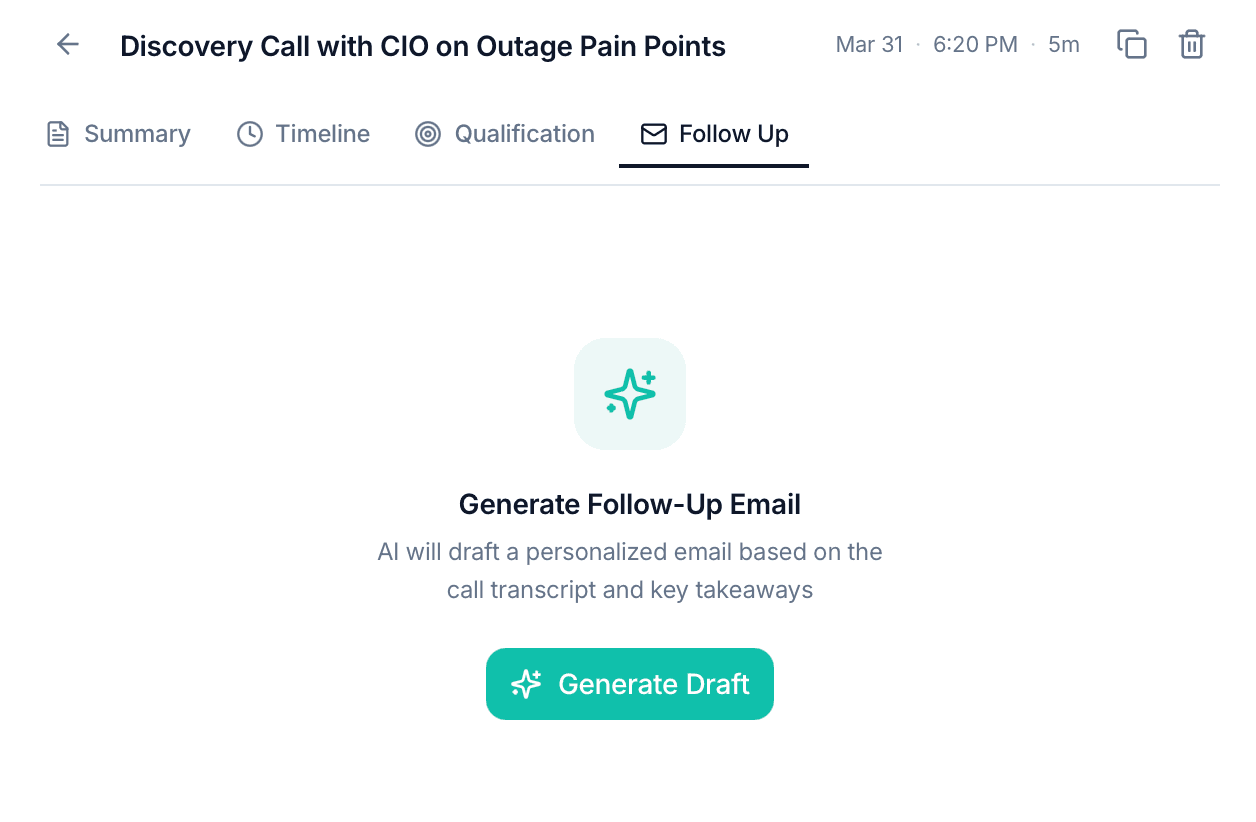
The tab most reps spend the most time in. Commit generates a draft follow-up email using the context of your product and the specific conversation you just had, not a generic template.
You can:
- Edit the draft inline
- Open in mail to hand off to your email client with the body pre-filled
- Regenerate if the tone or focus isn't quite right
Nothing sends automatically
Commit never sends email on your behalf. It generates a draft. You review, edit, and send it yourself.
Because Commit is trained on your product documentation, the follow-up references the specific capabilities that matched the prospect's pain points, not boilerplate. This is the feature reps come back for most.
Where your calls live
Every call you record stays in Commit's history, so you can come back to the summary, timeline, qualification, and follow-up later. Useful for:
- Pipeline reviews: skim MEDDPICC across recent calls
- Handoffs: share the summary with a solutions engineer or AE before a follow-up
- Self-coaching: re-read the timeline and spot where you missed a discovery opportunity
Need help? Contact us at support@askcommit.com.